

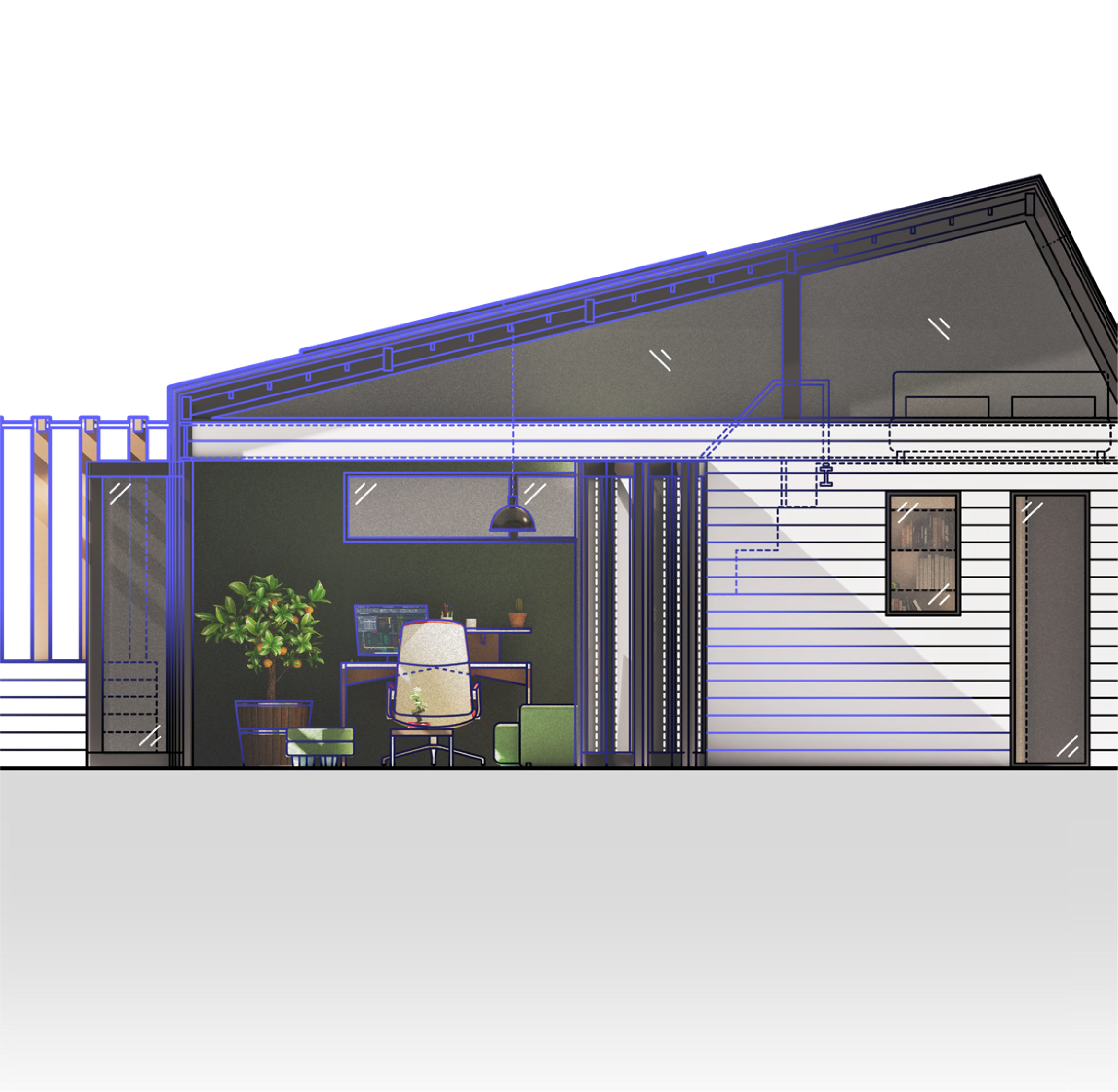

Autodesk AutoCAD LT: Best-in-class 2D design and drafting tool with automation
Design buildings and infrastructure in 2D. Build greener projects. Transform the world.
OVERVIEW
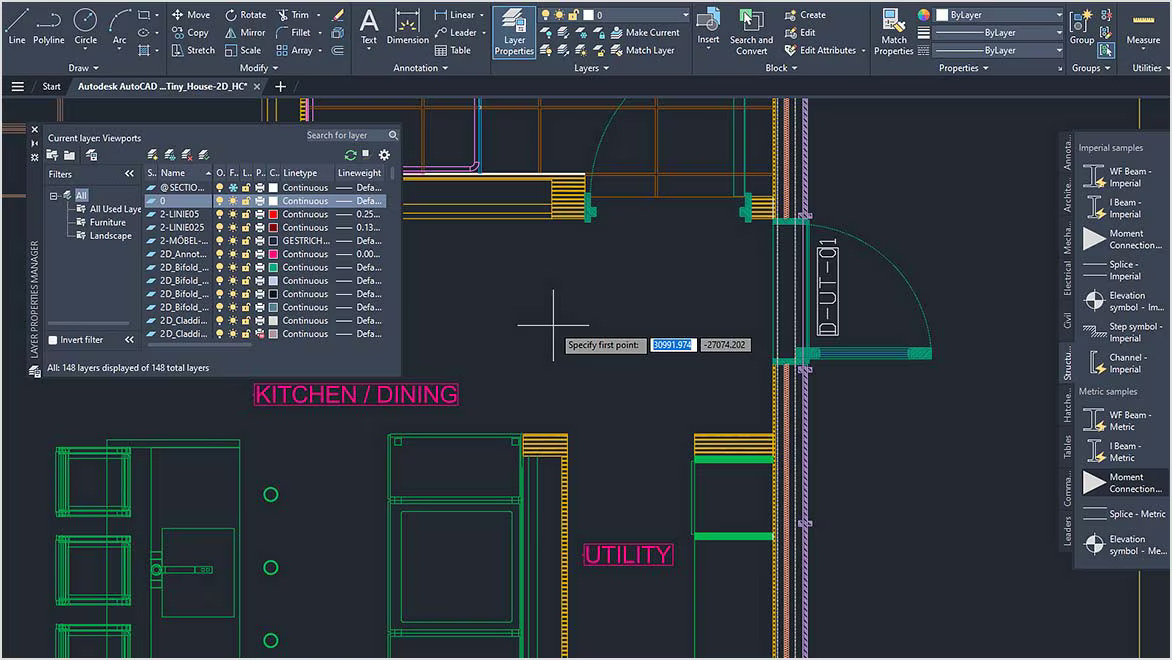
Create your 2D designs with precision and best-in-class documentation features. Architects, engineers, and construction professionals use AutoCAD LT to:
- Design, draft, and document with precise 2D geometry
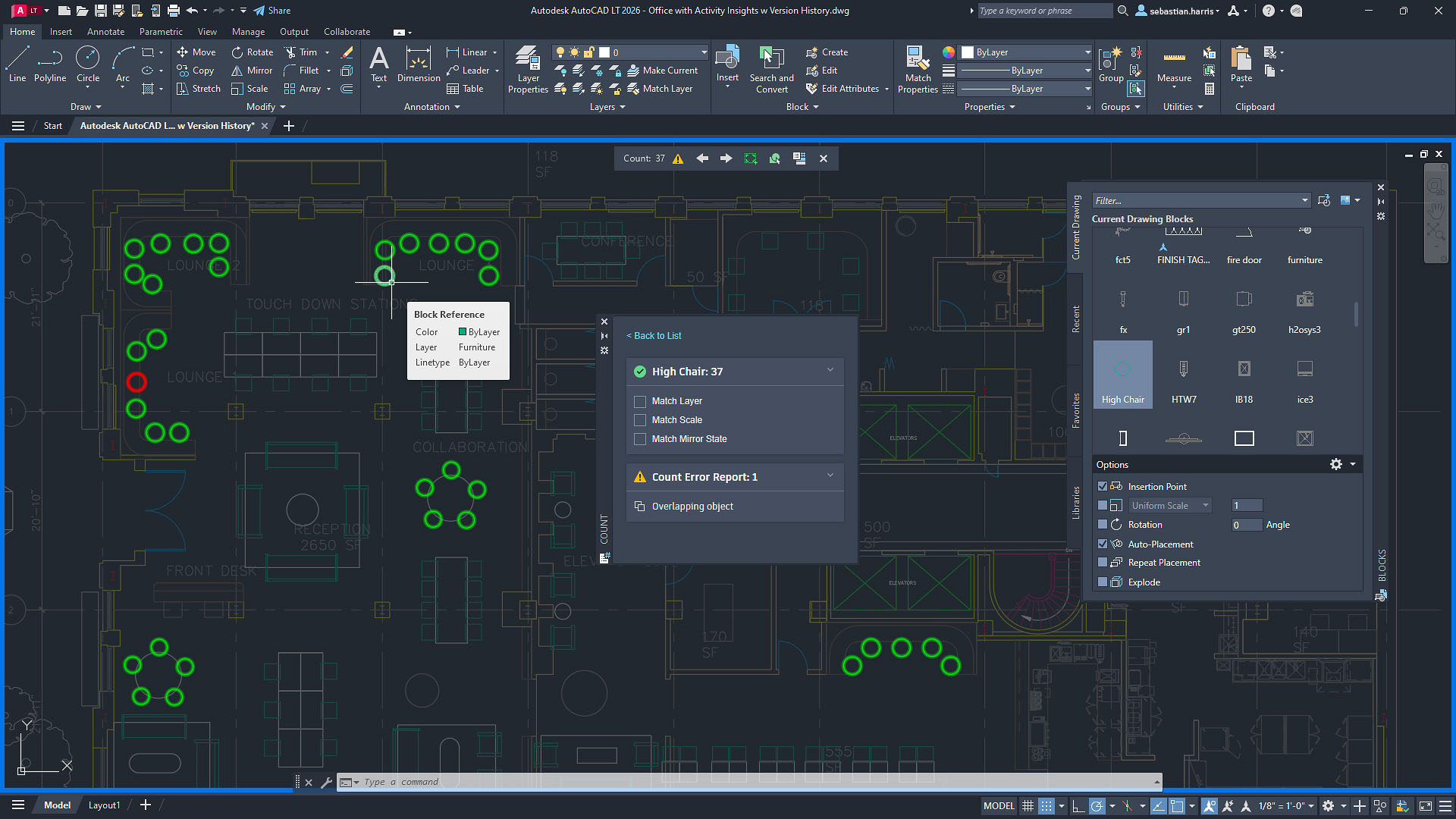
- Access a comprehensive set of editing, design, and annotation tools
- Streamline your work by customizing your interface and automating your workflows with AutoLISP


The AEC Collection provides designers, engineers, and contractors a set of BIM and CAD tools supported by a cloud-based common data environment that facilitates project delivery from early-stage design through to construction.
AEC Collection includes:

AutoCAD

Forma

Docs

Naviswork

RecapPro

More
The right tool for every project with the AEC
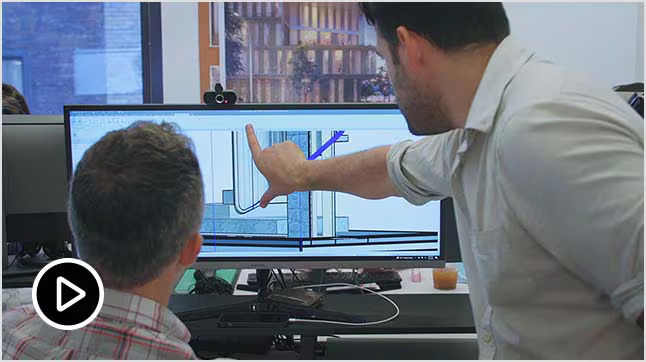
Better together: AutoCAD and Revit
Together, AutoCAD and Revit offer fast, effective design to documentation workflows.

Discover Autodesk Forma
New to collection: Connect your design workflow from Forma to Revit and back again, from desktop to cloud.
Frequently asked questions (FAQs)
What is AutoCAD LT used for?
AutoCAD LT is CAD software that is used for precise 2D drafting, design, and documentation. It includes features to automate tasks and increase productivity such as comparing drawings, counting, adding objects, and creating tables. AutoCAD LT enables users to create, edit, and annotate drawings via desktop, web, and mobile devices.
Who uses Autodesk AutoCAD LT?
AutoCAD LT is used by architects, engineers, construction professionals, and designers who need to:
- Design, draft, and document with precise 2D geometry
- Access a comprehensive set of editing, design, and annotation tools
- Work faster in an intuitive and customizable interface
What is the difference between AutoCAD and AutoCAD LT?
One of the biggest differences between AutoCAD and AutoCAD LT is that AutoCAD LT provides precision 2D drafting and documentation capabilities, while AutoCAD also provides 3D functionalities. AutoCAD LT supports some customization through capabilities like AutoLISP. However, it does not include third party connections, development tools, or the seven specialized toolsets. Compare AutoCAD and AutoCAD LT.
Let’s get started.
Fill in the form below and we will get back you soonest possible.