


Bring your vision to life.
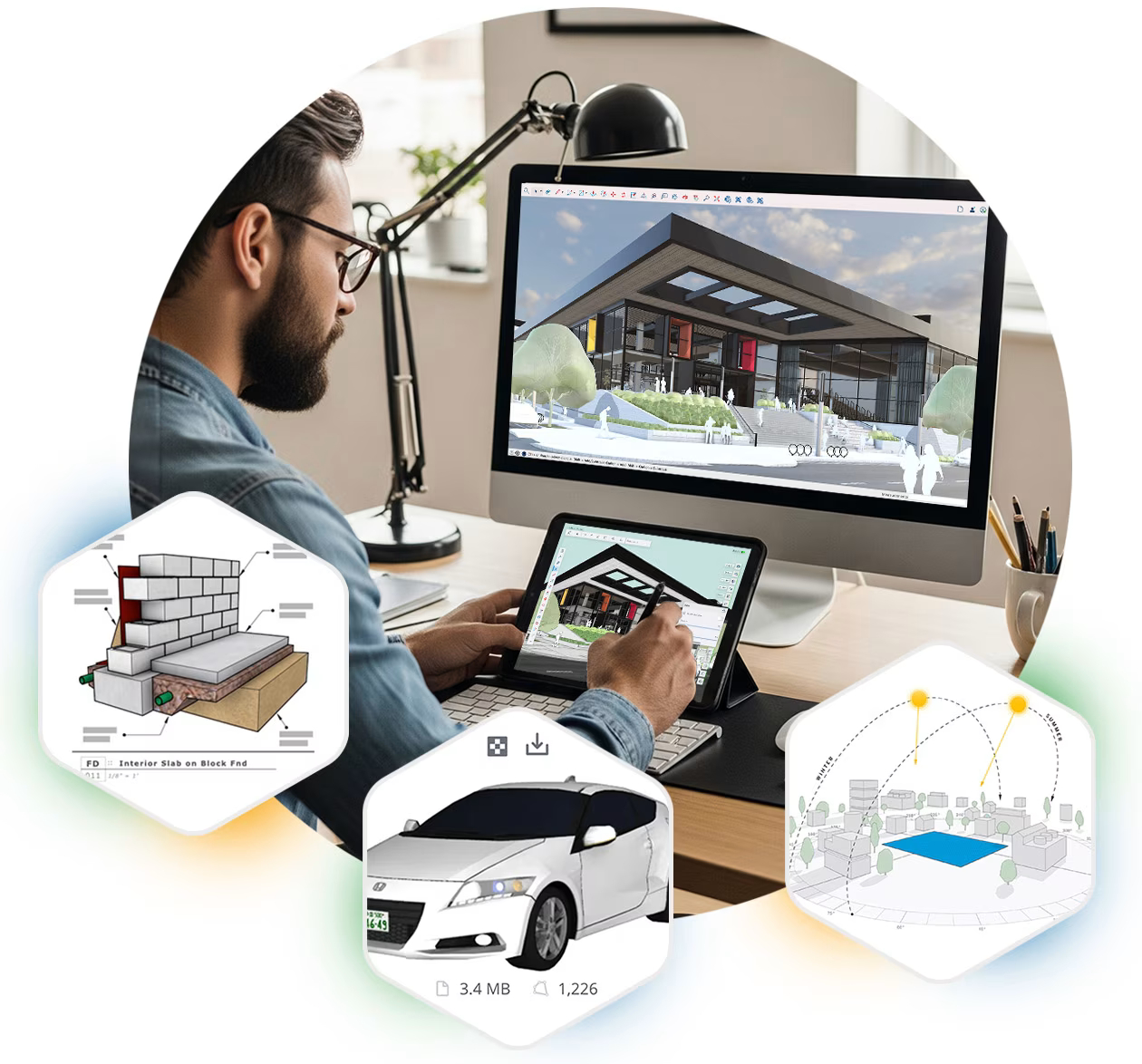
Effortlessly turn creative ideas into buildable 3D models with intuitive, professional-grade design software trusted by architects, builders, and designers worldwide.
SketchUp Pro
Architecture
Construction
Interior Design
Landscape Architecture
Urban Planning

Extension Warehouse
3D Warehouse
Scan Essentials
|
Go
Essential
|
Pro
Professional
|
Studio
Specialist
|
|
|---|---|---|---|
|
A streamlined version of the desktop modeler, SketchUp for Web, allows you to create in 3D straight in your web browser. With Trimble Connect’s integration, you can store projects in the cloud and share 3D models with collaborators using shareable links. |
 |
|
|
|
Explore your projects from another angle with mobile and XR viewing. |
|
|
|
|
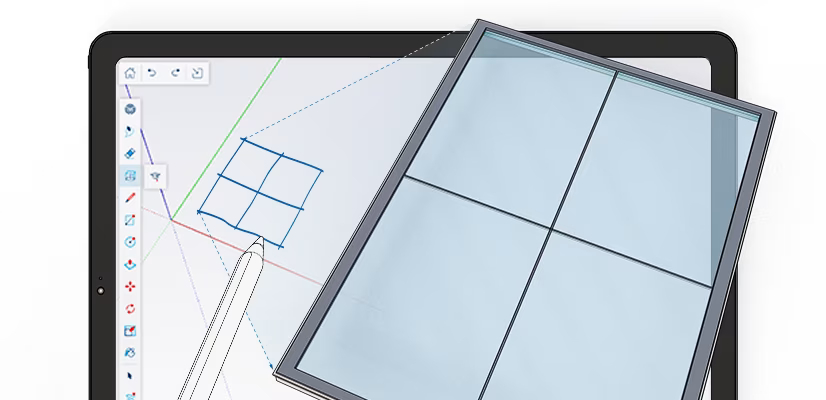
Your mobile 3D design toolkit. Perfect for creating, presenting and refining models effortlessly on-site, at home, or in the office. With Apple's powerful processing, intuitive touch controls, and support for Apple Pencil and Magic Keyboard, transform your iPad into a dynamic 3D canvas wherever inspiration strikes. |
|
|
|
|
Professional, robust, and precise, SketchUp for Desktop is a full-featured and extensible 3D design platform. Our most popular 3D modeler lets you quickly and intuitively model anything you can imagine. Available for Windows and Mac. |
 |
|
|
|
Transform the 3D models you create in SketchUp into professional, scaled and annotated 2D drawings and presentations with LayOut, a purpose-built 2D complement to SketchUp. |
|
|
|
|
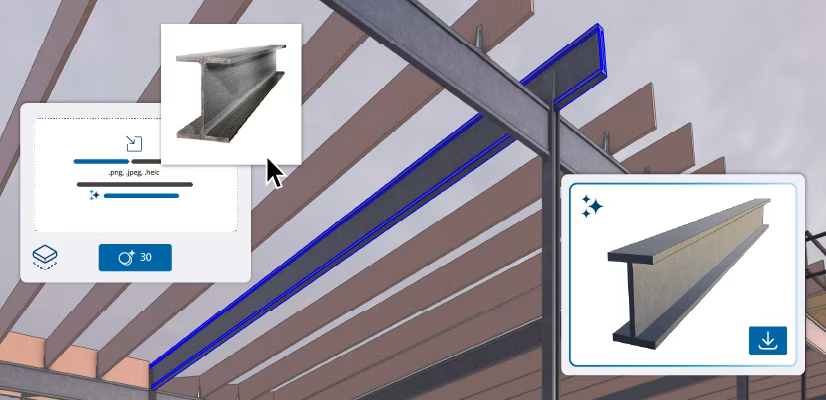
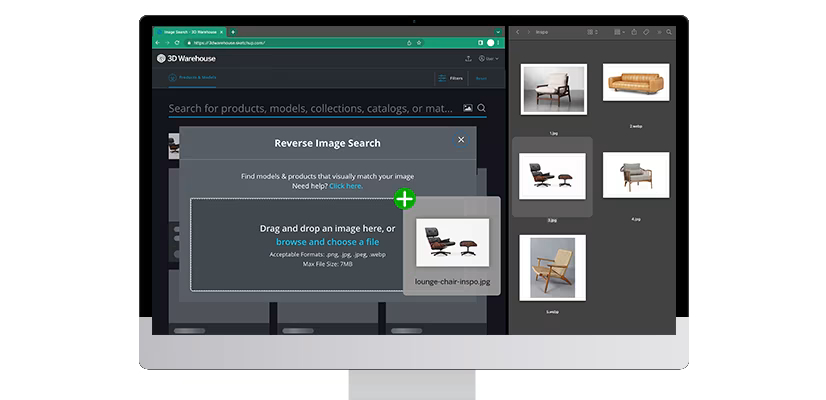
Access over 5M pre-built 3D models and 2D elements, including curated Live Components, Photoreal Materials, and Environments. Discover your one-in-a-million object with AI-driven image & material search. |
Unlimited downloadsUnlimited | Unlimited downloadsUnlimited | Unlimited downloadsUnlimited |
|
View, share, and access project information from anywhere with cloud-based Trimble Connect. |
Unlimited cloud storage & projectsCloud storage | Unlimited cloud storage & projectsCloud storage | Unlimited cloud storage & projectsCloud storage |
|
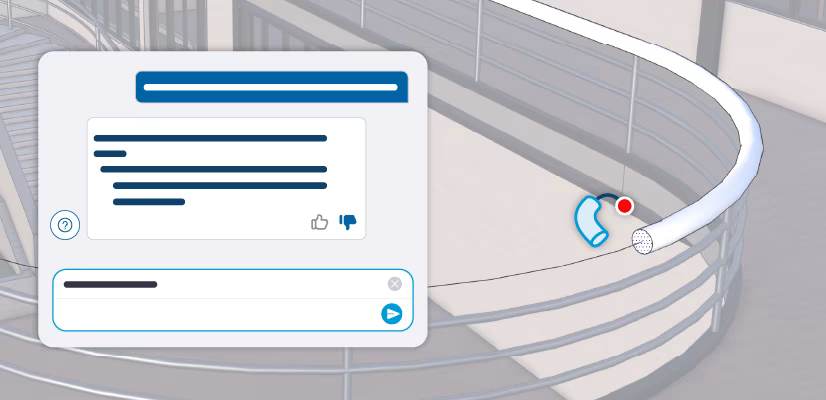
Get design recommendations based on climate data and building type. With PreDesign, you can weave contextual insights into your designs before you start in 3D. |
|
|
|
Trimble Connect
Trimble Marketplace
Developer Center
Frequently asked questions (FAQs)
What is SketchUp?
Trimble SketchUp is an ecosystem of intuitive tools for creating, communicating, and collaborating in 3D with incredible accuracy and compelling visuals. SketchUp enables users to win more work, design with speed and precision, and deliver high-performing, durable structures for more robust built environments.
What makes SketchUp different?
SketchUp is known for its user-friendly interface. Getting started is easy, and we want to ensure that everyone, no matter their skill level, can start creating their own models quickly. Learning any new tools or skills takes some time, but we have ample resources to help you get started on your modeling journey.
How do I manage my account?
Visit your Trimble Admin Console to manage your SketchUp products along with any other Trimble products you may have. Account Owners and License Administrators can view the details of the subscriptions in their account, add or remove users, and assign or remove licenses from users.
Where can I find tutorials and learning resources?
You may visit SketchUp Campus for free, self-paced training courses. Alternatively, Reliant offers SketchUp Essential and Advanced Training that covers a comprehensive range of software features. Visit our training page for more details.
Get a free quote today!
Fill in the form below and we will get back you soonest possible.