


Autodesk Revit: BIM software to design and make anything
Design buildings and infrastructure in 3D. Build greener projects. Transform the world.
Image courtesy of Stantec and EVER RED. Rendered in Twinmotion.
OVERVIEW : AutoCAD
What is Autodesk AutoCAD?
Autodesk AutoCAD equips architects, engineers, and construction professionals with precision tools to:
-
Design and annotate 2D geometry and 3D models with solids, surfaces, and mesh objects
-
Automate drafting tasks to place objects with AI, compare drawings, create schedules, publish layouts, and more
-
Maximize productivity with customized workspaces, AutoLISP, APIs, and apps
What you can do with Autodesk AutoCAD
Coordinate your project and collaborate with consultants on files hosted in Autodesk Docs.
Unlock efficient workflows
AutoCAD enhances your 2D and 3D design experience by giving you the tools to unlock insights and automations with the help of Autodesk AI.
Design and collaborate with flexbility
Autodesk supports the way AEC project teams work, whether in the office or on the go. Revit cloud worksharing and BIM Collaborate Pro support collaboration and a common data environment.

Coordinate your project and collaborate with consultants on files hosted in Autodesk Docs.

Revit connects design data from other AEC apps, like McNeel Rhino
Deliver better buildings for everyone
With integrated analysis tools and the ability to unite multiple datasets and file types, architects and engineers use Autodesk Revit to design with confidence.

When great minds have great tools, they can accomplish great thing
The AEC Collection provides designers, engineers, and contractors a set of BIM and CAD tools supported by a cloud-based common data environment that facilitates project delivery from early-stage design through to construction.
AEC Collection includes:
AutoCAD

Forma

Docs

Naviswork

RecapPro

More
The right tool for every project with the AEC
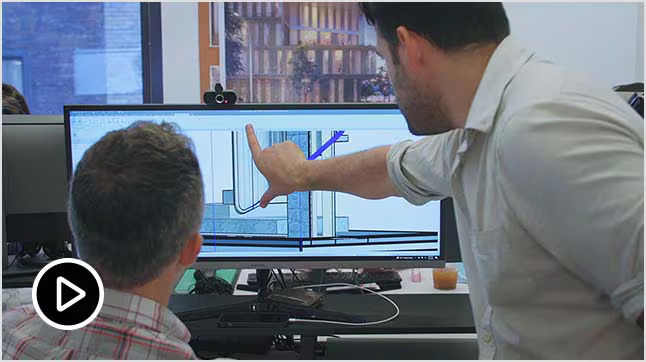
Better together: AutoCAD and Revit
Together, AutoCAD and Revit offer fast, effective design to documentation workflows.

Discover Autodesk Forma
New to collection: Connect your design workflow from Forma to Revit and back again, from desktop to cloud.
Autodesk Revit resources
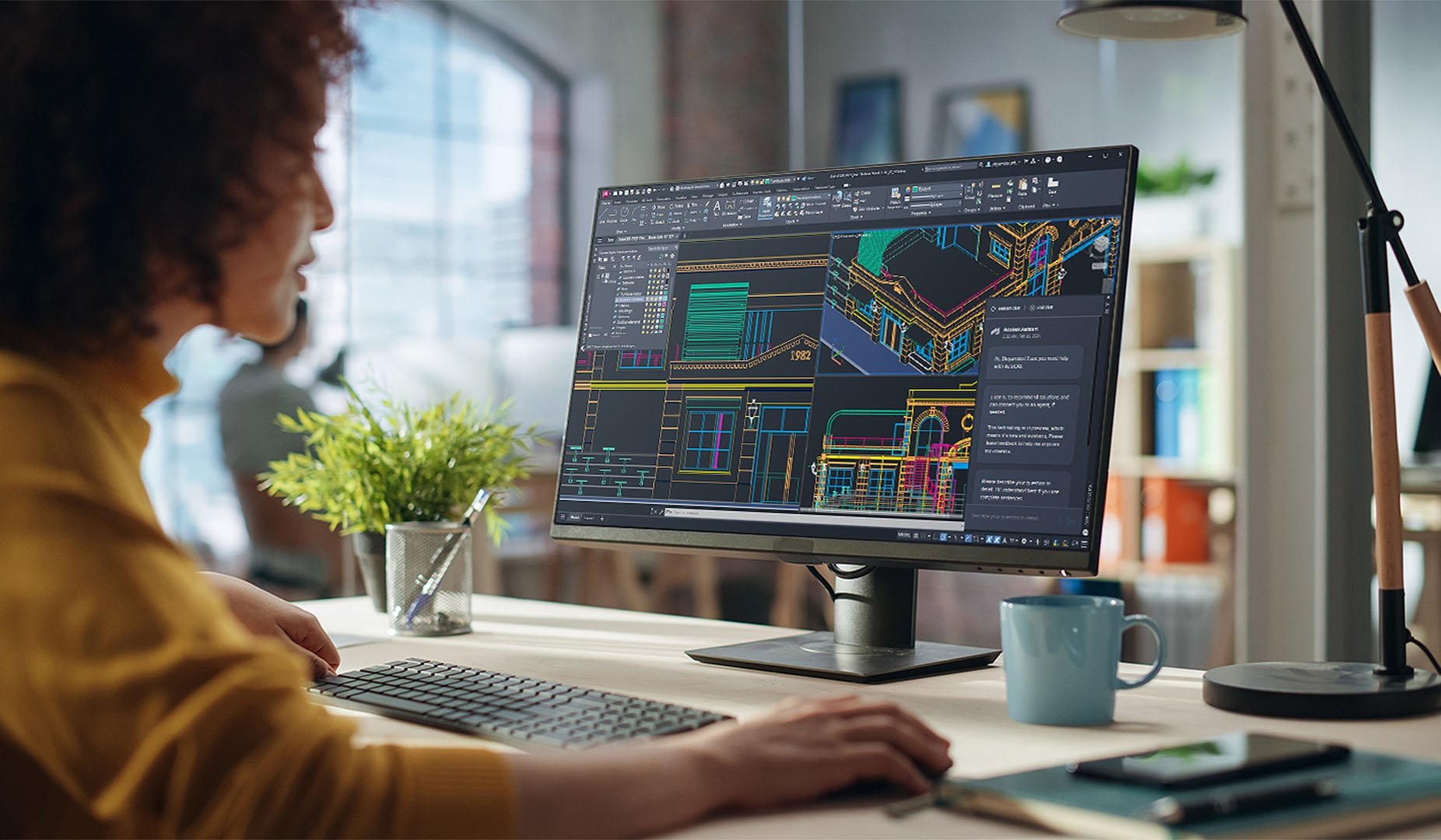
Power your productivity with AI
Are you ready to access the latest AI and drafting capabilities that AutoCAD 2025 has to offer?

AU 2024 AutoCAD Classes On Demand
Watch on-demand sessions from AU 2024: The Design & Make Conference, from comfort of your own home or office.
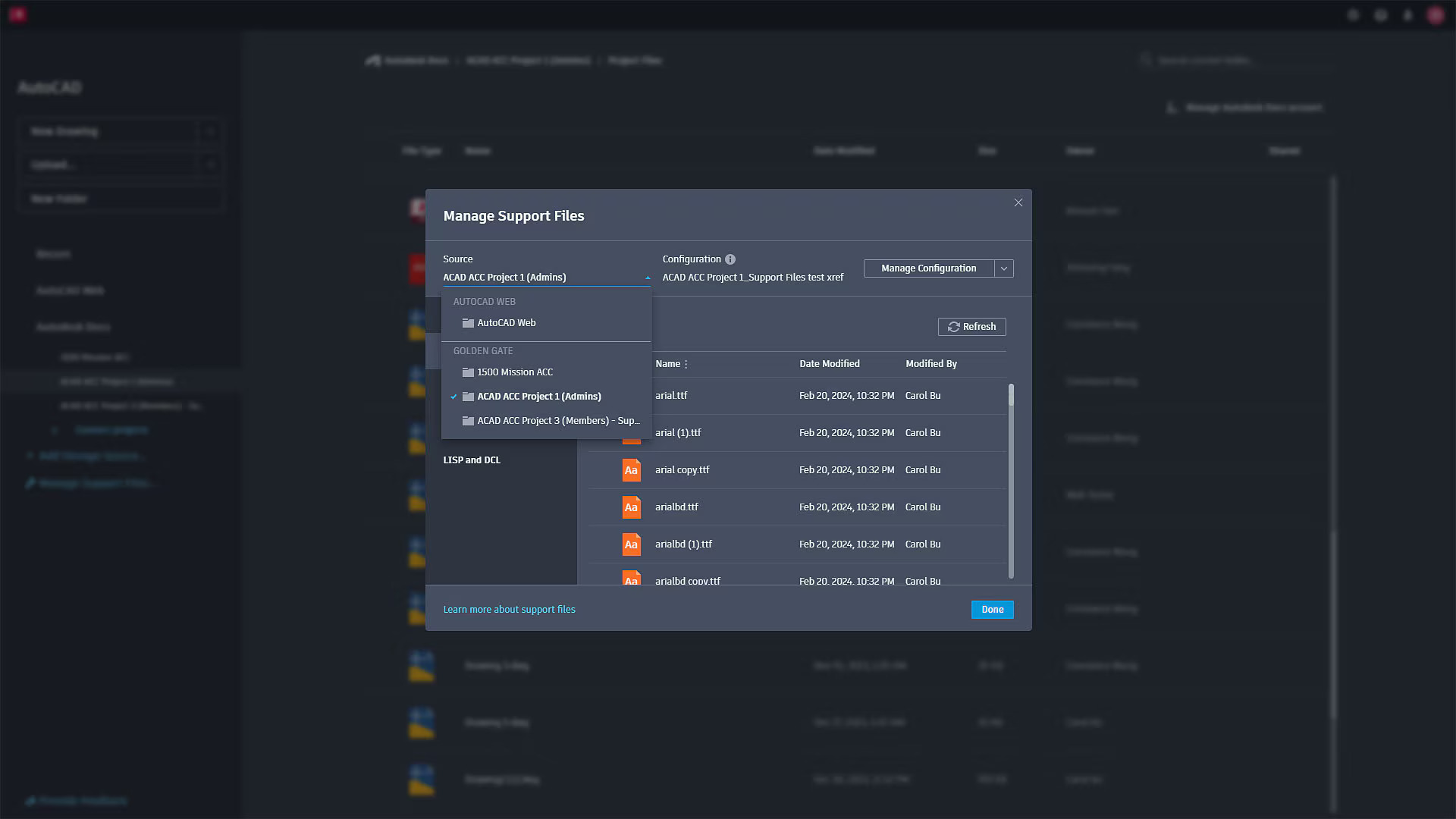
Shared Support Files for AutoCAD on the Web
For CAD admins looking to deploy templates, fonts, hatch pattern, plot styles, and LISP routines.
Frequently asked questions (FAQs)
What is AutoCAD used for?
AutoCAD is computer-aided design (CAD) software that is used for precise 2D and 3D drafting, design, and modeling with solids, surfaces, mesh objects, documentation features, and more. It includes features to automate tasks and increase productivity such as comparing drawings, counting, adding objects, and creating tables. It also comes with seven industry-specific toolsets for electrical design, plant design, architecture layout drawings, mechanical design, 3D mapping, adding scanned images, and converting raster images. AutoCAD enables users to create, edit, and annotate drawings via desktop, web, and mobile devices.
Who uses Autodesk AutoCAD?
Autodesk AutoCAD is used by students, architects, designers, engineers, project managers, real estate developers, and construction professionals to create precise 2D and 3D drawings.
What is the difference between AutoCAD and AutoCAD LT?
AutoCAD LT is powerful 2D CAD software used for precision drafting and documentation. AutoCAD includes all the features of AutoCAD LT, plus additional features to benefit productivity such as 3D modeling and automation of repetitive processes. AutoCAD also lets you customize the user interface with APIs and add-on apps. With AutoCAD, users are able work more efficiently with seven industry-specific toolsets to enhance automation and productivity for tasks in architecture, mechanical design, electrical design, plant design, plumbing, converting raster images, geographic information systems, and 3D mapping.
Let’s get started.
Fill in the form below and we will get back you soonest possible.