


Do business faster with eSign features from Acrobat.
Power every agreement and accelerate approvals with fast, secure eSign and PDF capabilities.
Faster, better and smarter
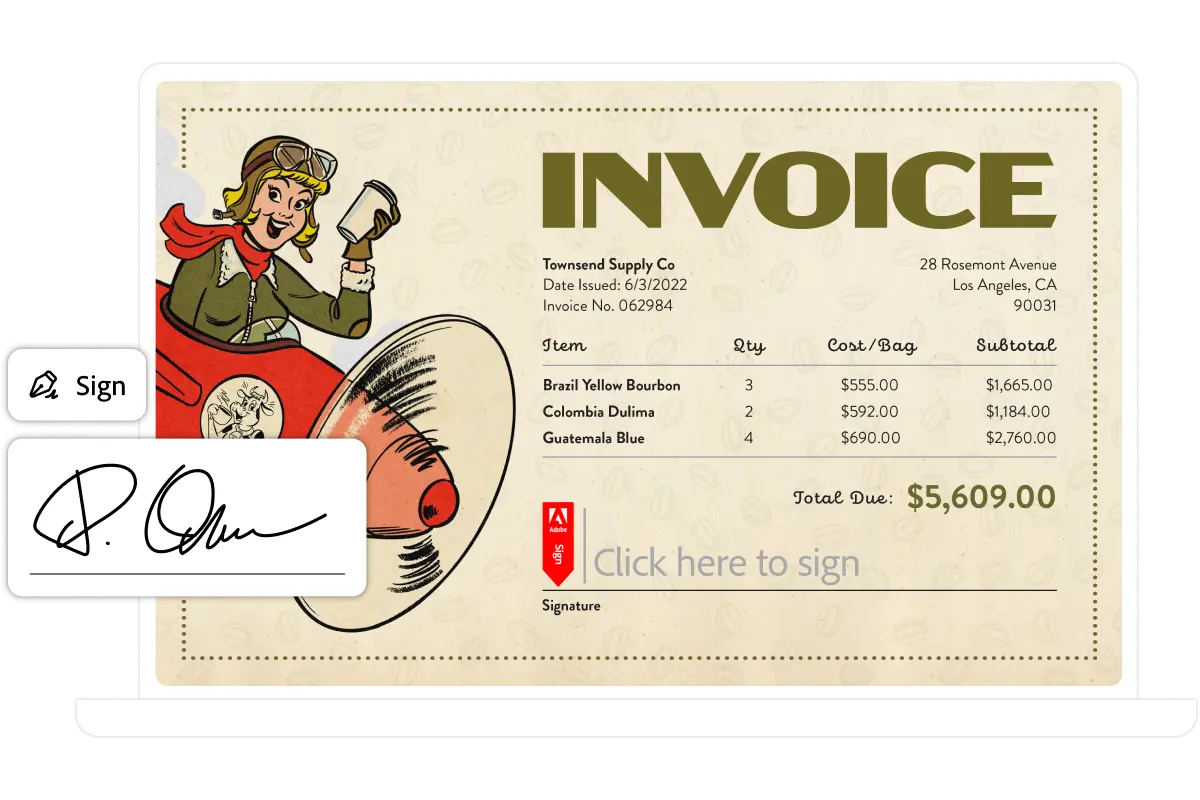
Request and collect eSignatures faster.
Send documents for eSignature directly from Acrobat on any desktop or mobile device.
Fill and sign documents and forms
Share a signed document by creating a link and sending it to others.
Work smarter with AI in Acrobat Studio or the Acrobat AI Assistant add-on.
Summarise documents, get insights and ask questions with PDF Spaces and a prebuilt AI Assistant.
See how Acrobat with eSignatures can accelerate business workflows.
Faster approvals, fewer delays, and fully digital document handling.
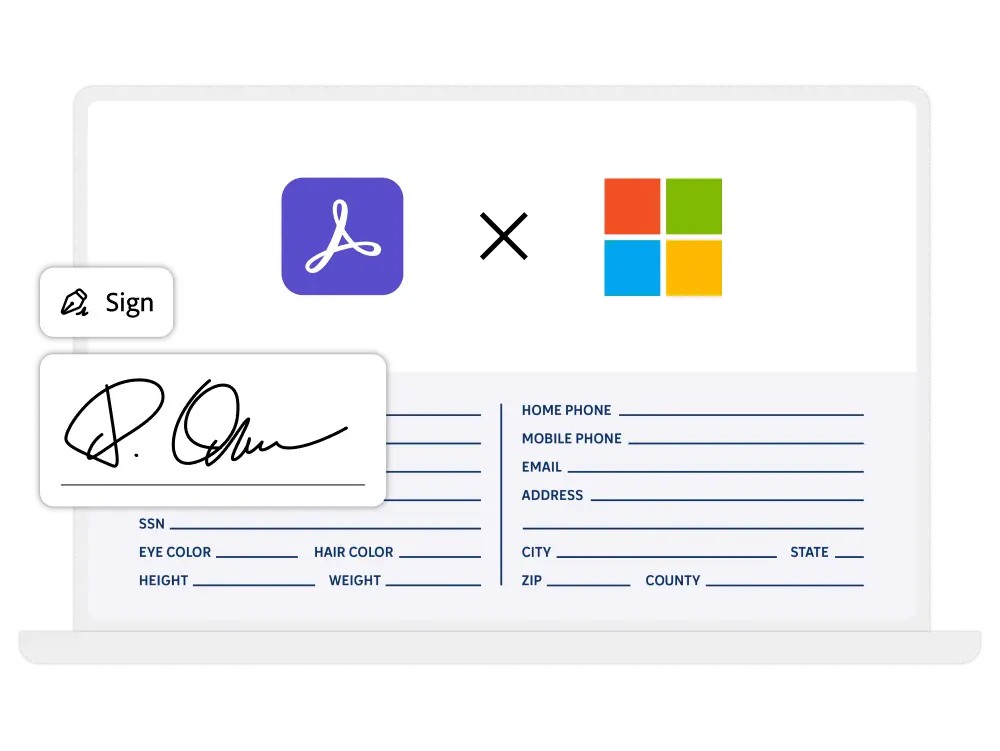
Create reusable forms to collect signatures from others.
Create and post signable forms on your website so visitors can easily fill and sign agreements.
Do more, faster, with powerful PDF tools..
Seamlessly create, edit, eSign and collaborate on PDFs from any device.
Trusted PDF tools, enhanced with AI.
Work smarter with the essential PDF toolkit to create, edit and sign your files, plus Acrobat AI Assistant for faster document tasks.
Track eSignature requests and manage signed documents.
Get audit trails and real-time visibility on the status of the documents you’ve sent for signature.
Add your branding to customise your agreements.
Add your logo, tagline and welcome message to emails requesting signatures.
What’s the difference between Acrobat Standard, Acrobat Pro and Acrobat Studio?
Acrobat Standard includes basic PDF features, allowing you to:
- Edit and organise PDFs.
- Convert documents to and from PDF.
- Fill in forms, sign documents and request e-signatures.
- Password-protect files.
Acrobat Pro includes everything in Acrobat Standard, plus enhanced PDF tools and e-signature capabilities. With these advanced features, you can:
- Turn scanned documents into editable, searchable PDFs.
- Compare PDFs to review differences.
- Redact sensitive information from PDFs.
- Brand your agreements by adding a logo and customised URL.
- Create web forms and reusable e-sign templates.
- Receive and track multiple e-signatures by sending in bulk.
Acrobat Studio includes everything in Acrobat Pro, plus PDF Spaces, AI Assistant for Acrobat and Adobe Express Premium. Additional features include:
- Chat with your documents and get fast answers.
- Summarise documents with one click.
- Ask questions using voice prompts on your mobile device.
- Unlock insights across PDFs, Microsoft 365 files and web links with PDF Spaces.
- Easily create standout content with templates in Adobe Express
- Share a PDF Space with a prebuilt or personalised AI Assistant.
Is there a perpetual version of Acrobat available?
No. Adobe discontinued selling perpetual versions of Acrobat after Acrobat 2020.
How does a subscription work?
When you subscribe to Acrobat Studio, Acrobat Pro or Acrobat Standard, you pay an annual fee based on the plan you choose. Regular updates will ensure that you have the latest features available in Acrobat. You will not need to upgrade your product as long as your subscription is active.
Let’s get started.
Fill in the form below and we will get back you soonest possible.