


Do more with Acrobat.
With Adobe Acrobat Pro and AI Assistant, you have trusted tools to edit and sign PDFs, share documents and understand your docs faster.
Trusted PDF tools, enhanced with AI.
Work smarter with the essential PDF toolkit to create, edit and sign your files, plus Acrobat AI Assistant for faster document tasks.
Brainstorm effortlessly in Firefly Boards.
Update text and images, organise pages and add comments, all in a PDF. Or ask AI Assistant to help you to edit so you can get back to work faster.
Create and convert PDFs quickly.
Go from Word, PowerPoint, Excel or image to PDF and back again. AI Assistant can even do it for you.
Unlock next-level productivity with AI Assistant.
Bring all your project files, PDFs and links into one smart, shareable workspace that helps you to get more done together.
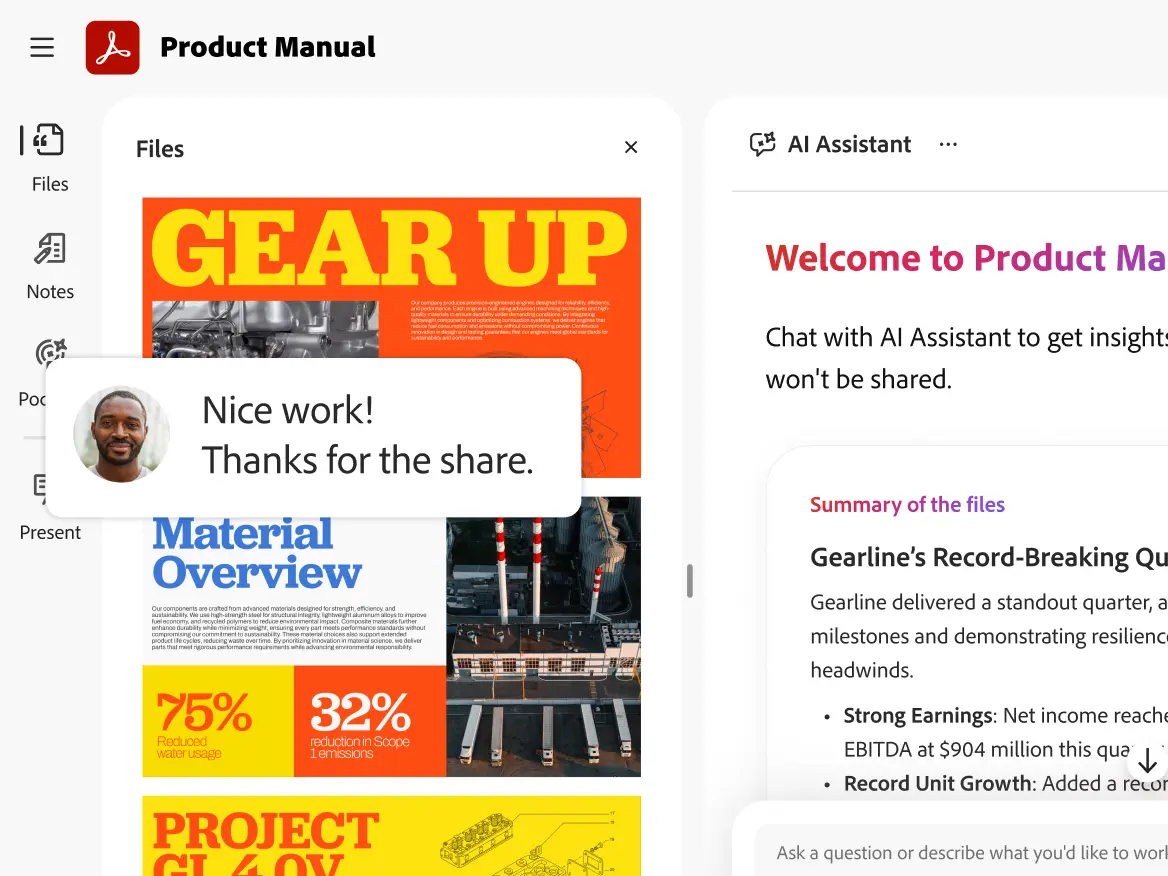
Collaborate smarter in PDF Spaces.
Invite others to add files, comments, notes and context to a central workspace with a personalised AI Assistant.
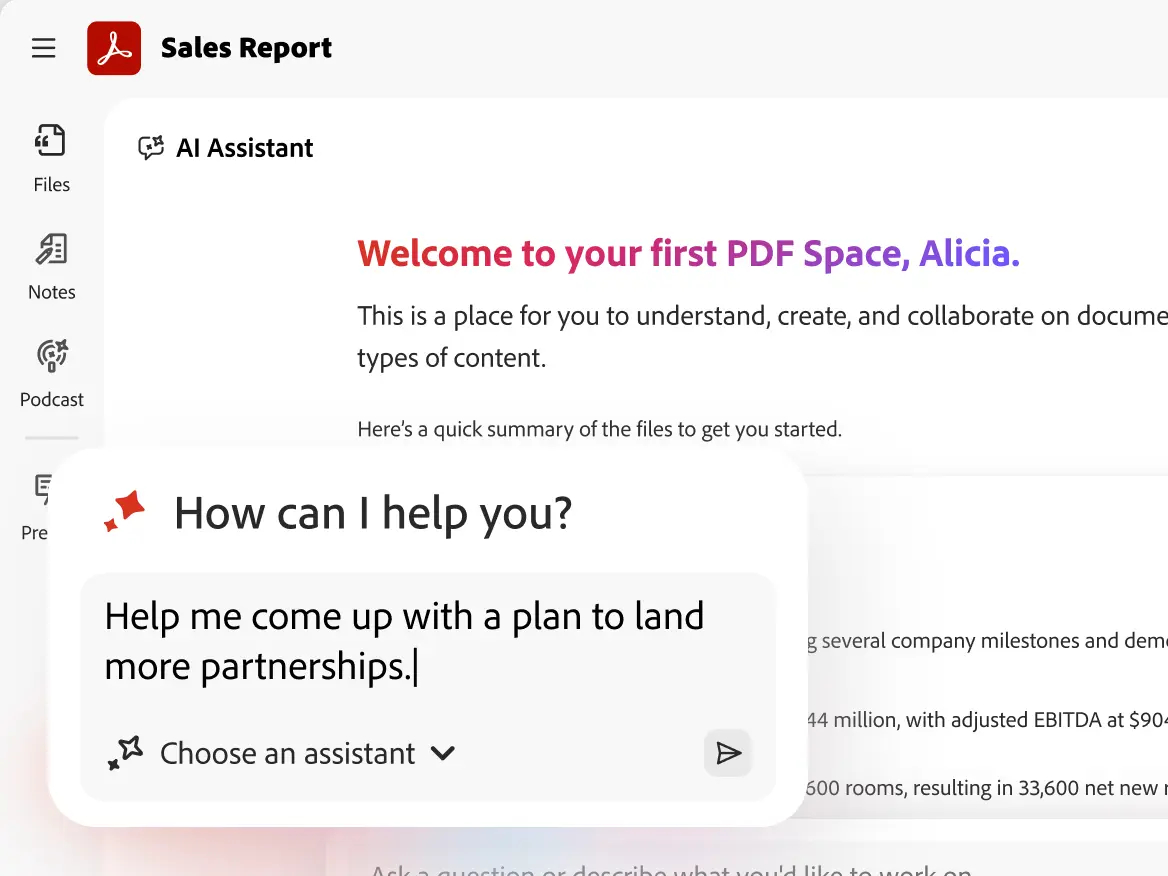
Chat with your files.
Generate summaries and key insights with precise citations in a click. Ask AI Assistant questions for actionable answers and next steps.
Share it, compare it, protect it.
Share and review.
Send PDFs in a click and allow your team to view or comment without needing to log in.
Spot the difference.
Compare files to quickly and easily see what’s changed between two versions of your PDF.
Keep PDFs safe.
Prevent others from copying, editing or printing your files with PDF protection tools.
What’s the difference between Acrobat Standard, Acrobat Pro and Acrobat Studio?
Acrobat Standard includes basic PDF features, allowing you to:
- Edit and organise PDFs.
- Convert documents to and from PDF.
- Fill in forms, sign documents and request e-signatures.
- Password-protect files.
Acrobat Pro includes everything in Acrobat Standard, plus enhanced PDF tools and e-signature capabilities. With these advanced features, you can:
- Turn scanned documents into editable, searchable PDFs.
- Compare PDFs to review differences.
- Redact sensitive information from PDFs.
- Brand your agreements by adding a logo and customised URL.
- Create web forms and reusable e-sign templates.
- Receive and track multiple e-signatures by sending in bulk.
Acrobat Studio includes everything in Acrobat Pro, plus PDF Spaces, AI Assistant for Acrobat and Adobe Express Premium. Additional features include:
- Chat with your documents and get fast answers.
- Summarise documents with one click.
- Ask questions using voice prompts on your mobile device.
- Unlock insights across PDFs, Microsoft 365 files and web links with PDF Spaces.
- Easily create standout content with templates in Adobe Express
- Share a PDF Space with a prebuilt or personalised AI Assistant.
Is there a perpetual version of Acrobat available?
No. Adobe discontinued selling perpetual versions of Acrobat after Acrobat 2020.
How does a subscription work?
When you subscribe to Acrobat Studio, Acrobat Pro or Acrobat Standard, you pay an annual fee based on the plan you choose. Regular updates will ensure that you have the latest features available in Acrobat. You will not need to upgrade your product as long as your subscription is active.
Let’s get started.
Fill in the form below and we will get back you soonest possible.